Digital signatures
Capture electronic signatures directly in your forms. FileThis.io supports drawing signatures on a canvas or uploading signature images, with support for multiple signature fields across pages.
Professional Electronic Signature Capture
Digital signatures are essential for contracts, agreements, applications, and any document that requires acknowledgment or approval. FileThis.io makes it easy to add signature fields to your forms and capture signatures from recipients.
Our signature system is designed for legal compliance while maintaining ease of use. Recipients can sign forms quickly and easily, whether they're on desktop, tablet, or mobile devices.
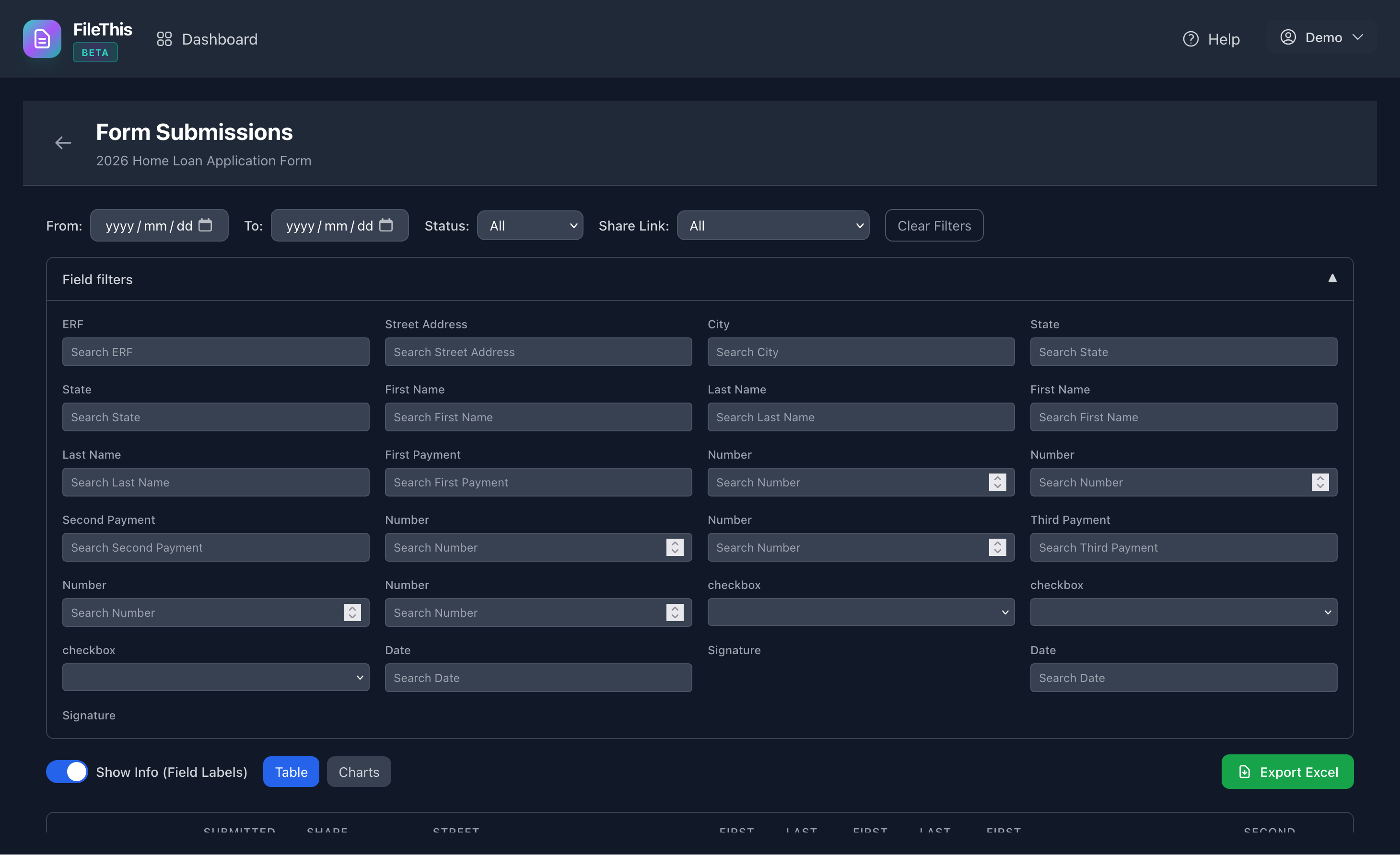
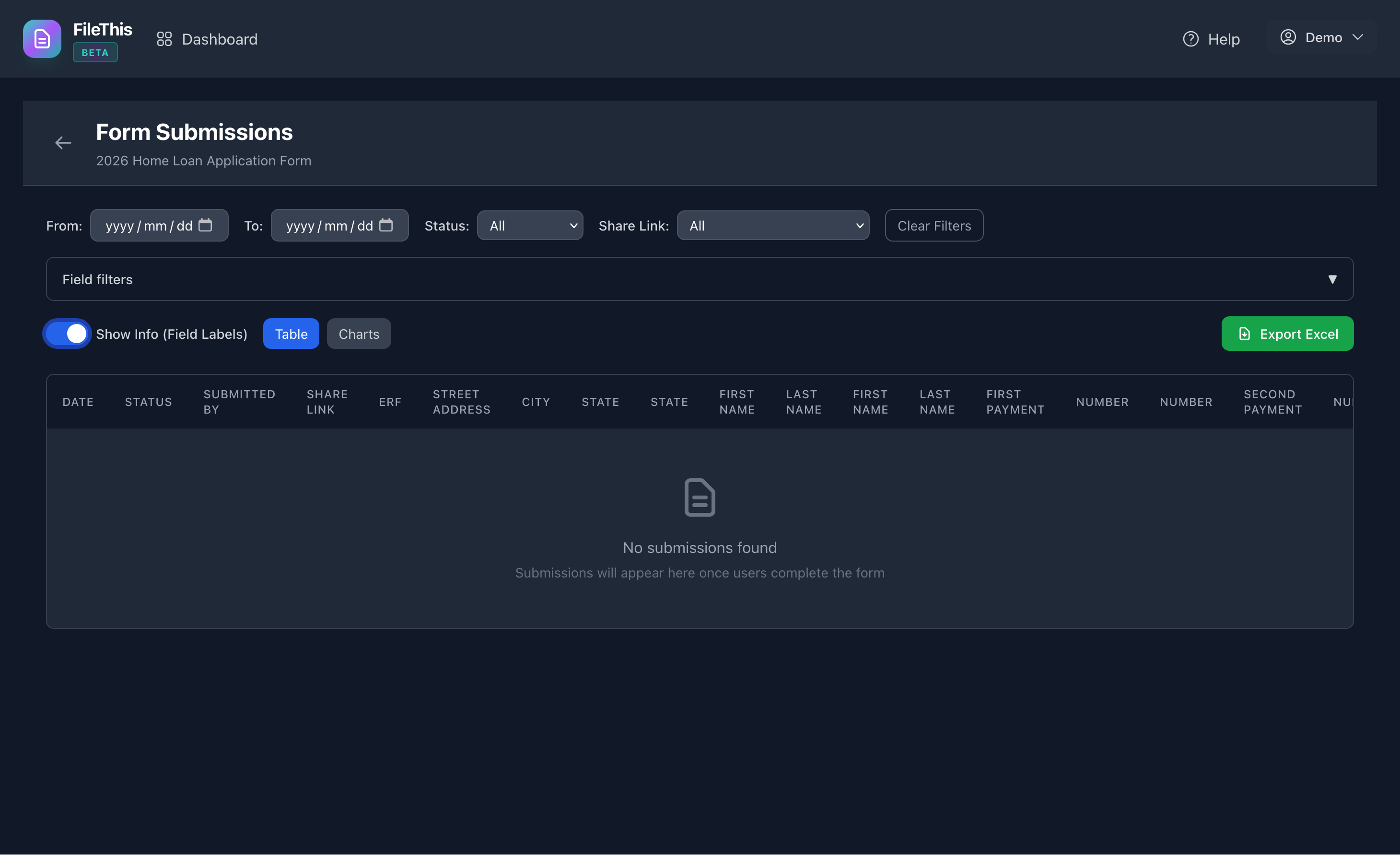
Two Ways to Capture Signatures
Draw Signature
Recipients can draw their signature directly on the form using a mouse, trackpad, or touch screen. Perfect for mobile devices and tablets, and convenient for desktop users.
- • Touch-friendly drawing canvas
- • Works on all devices (desktop, tablet, mobile)
- • Clear and redraw options
- • Smooth signature capture
Upload Signature Image
Users can upload a pre-existing signature image file (PNG, JPG, etc.). Ideal for users who prefer to use a scanned signature or have a saved signature file.
- • Upload from device storage
- • Supports common image formats
- • Automatic sizing and positioning
- • Perfect for users with signature files
Multi-Page Signature Support
FileThis.io supports adding the same signature field to multiple pages of your form. This is essential for complex contracts, multi-page agreements, and documents that require signatures at specific points throughout the document.
Each signature instance is tracked independently, so recipients can sign each occurrence separately. This is perfect for:
- Contracts requiring signatures on multiple pages
- Legal documents with section-specific signatures
- Multi-party agreements where each party signs specific sections
- Forms with acknowledgments at different points in the document
Signature and Initial Fields
FileThis.io supports two types of signature fields, giving you flexibility in how you design your forms:
Signature Fields
Full-size signature fields for formal signatures. Perfect for contracts, agreements, and any document requiring a complete signature.
Use for: Contracts, agreements, authorizations, approvals, legal documents
Initial Fields
Smaller signature fields for initials. Ideal for acknowledging specific sections, changes, or terms within a document.
Use for: Section acknowledgments, change approvals, term confirmations, minor updates
Legal Compliance & Audit Trail
FileThis.io provides a comprehensive audit trail for all signatures, ensuring legal compliance and accountability:
What's Recorded
- Signature image (drawn or uploaded)
- Timestamp of when signature was captured
- User identity (profile ID or guest UUID)
- IP address and user agent
- Field UUID and instance ID for tracking
- Immutable form snapshot at time of signature
Legal Note: FileThis.io provides simple e-signature capabilities with consent checkboxes and comprehensive audit trails. For documents requiring advanced e-signature compliance (e.g., ESIGN Act, eIDAS), consult with legal counsel to ensure FileThis.io meets your specific regulatory requirements.
Rich Text Labels & Customization
All signature and initial fields support rich text labels, allowing you to format labels exactly as needed:
- Format label text with bold, italic, underline, and strikethrough
- Customize text and background colors
- Adjust font size for emphasis
- Mark fields as required or optional
This flexibility allows you to create professional signature blocks that match your document's style and legal requirements.
Perfect For These Use Cases
Contracts & Agreements
Service contracts, employment agreements, rental agreements, and any document requiring formal signatures from parties.
Legal Documents
Legal forms, client agreements, consent forms, and documents requiring acknowledgment of terms and conditions.
HR & Employee Forms
Policy acknowledgments, employee handbooks, performance reviews, and forms requiring employee signatures.
Client Proposals
Service proposals, project agreements, quotes, and client-facing documents requiring acceptance signatures.
Consent Forms
Medical consent, photo release, data processing consent, and any form requiring explicit user consent.
Application Forms
Job applications, membership applications, loan applications, and forms requiring applicant signatures.