Form Templates
Save time and maintain consistency with FileThis.io's template system. Create reusable form templates with predefined fields and structure, then adapt them for new projects quickly and easily.
What Are Form Templates?
Form templates in FileThis.io are reusable form structures that you can create once and use multiple times. Instead of building the same form from scratch every time, templates let you start with a pre-configured structure that includes common fields, formatting, and layout.
Templates are perfect for standardizing your forms while still allowing customization for each specific use case. You can modify template-based forms after creation, so templates serve as starting points rather than rigid constraints.
Benefits of Using Templates
Save Time
Start with a template instead of building forms from scratch. Reduce form creation time by 70% or more for standard forms.
Consistency
Ensure all forms follow the same structure and include required fields. Maintain brand consistency and compliance standards.
Standardization
Create standard templates for common form types. Ensure all team members use the same structure and fields.
Easy Customization
Templates are starting points, not constraints. Customize each form based on the template to fit specific needs while maintaining the core structure.
How Templates Work in FileThis.io
Create a Template
Build a form with the structure, fields, and formatting you want to reuse. Design it once with all the common elements, labels, and styling you need.
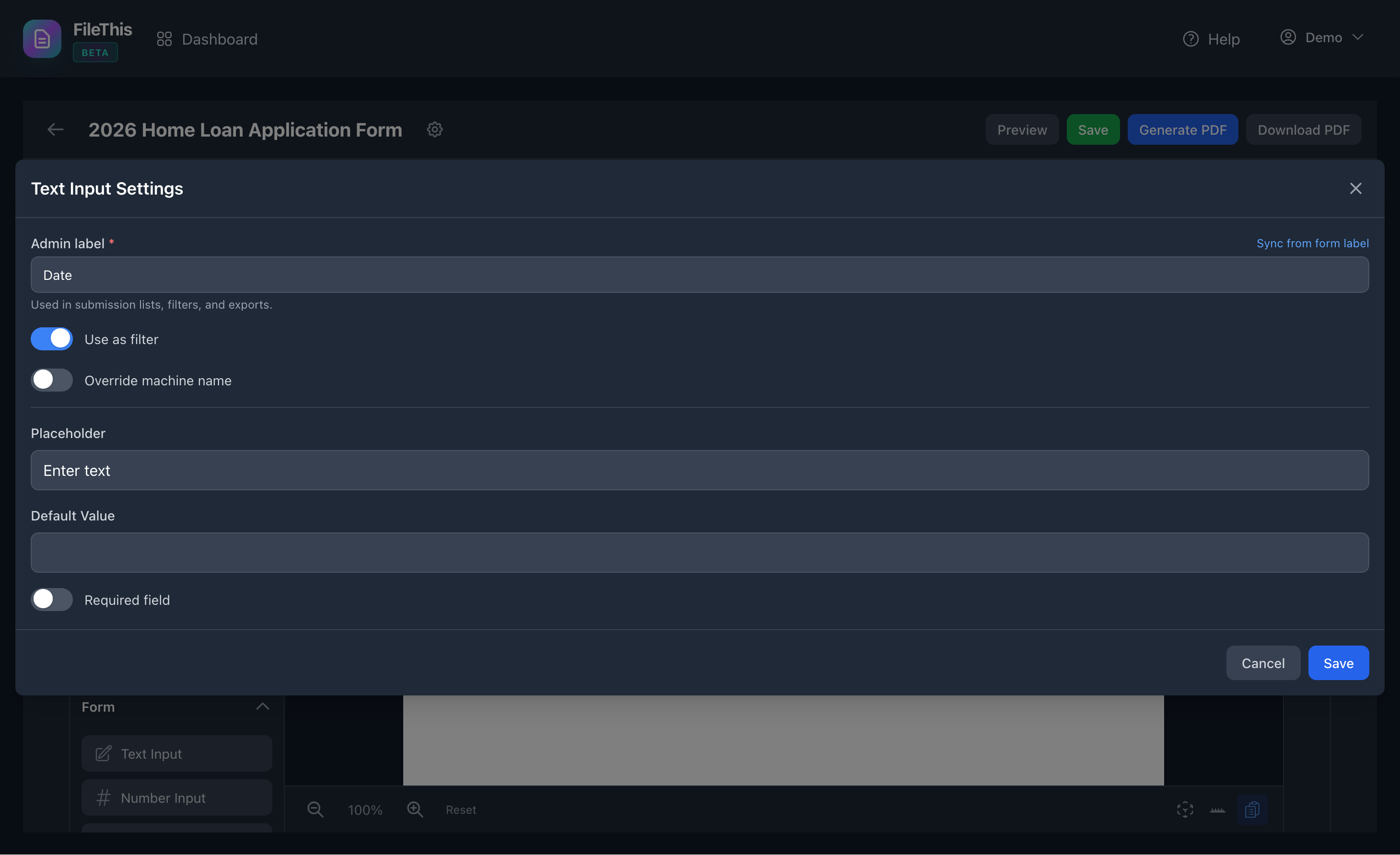
Save as Template
Save the form as a template. The template stores the structure, fields, styling, and settings you've configured, ready to be used as a starting point.
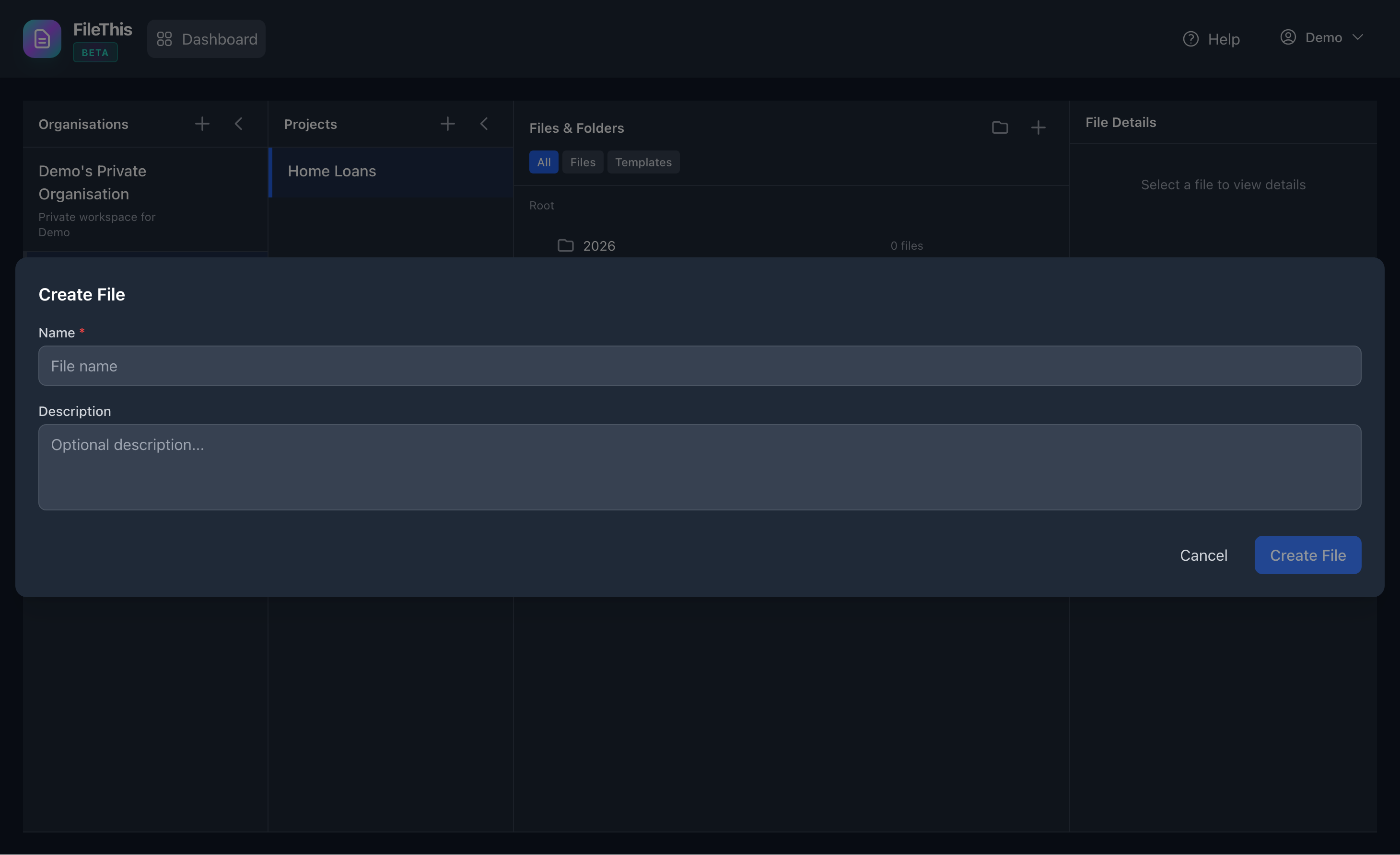
Select Template When Creating Form
When creating a new form, choose to start from a template. FileThis.io will create a new form with all the template's structure and fields already in place.
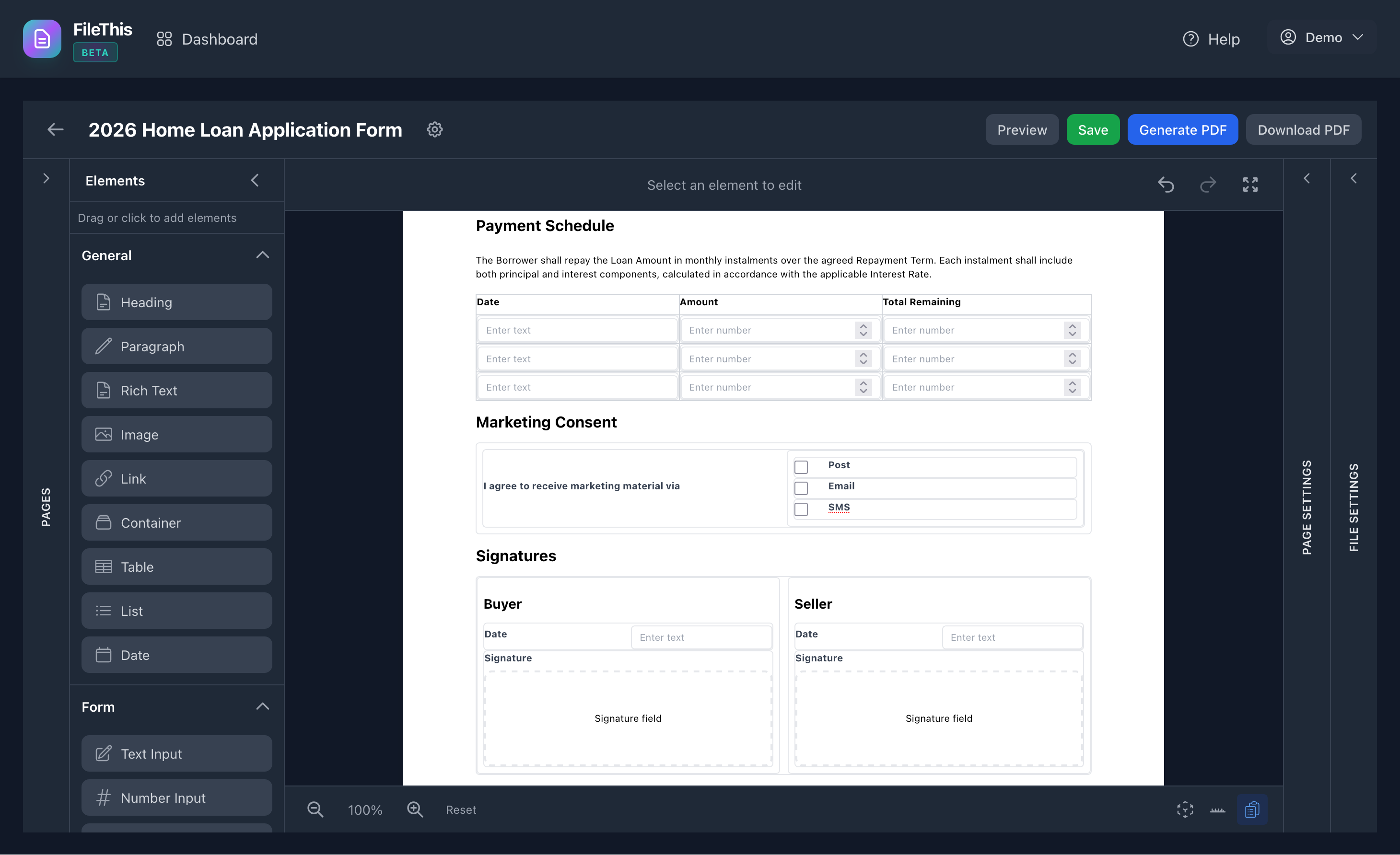
Use Template Elements
Include template elements in your forms to reuse common content. Templates can be embedded within forms for maximum flexibility.
Perfect Template Use Cases
Standard Contracts
Create a standard service contract template with common clauses, signature fields, and formatting. Use it for every new client contract, customizing only the specific terms and details.
Saves hours on each contract while ensuring consistency and including all required legal elements.
Employee Onboarding Forms
Build a comprehensive onboarding template with all standard fields (personal information, emergency contacts, tax forms, policy acknowledgments). Every new employee gets a form based on this template.
Ensures nothing is missed in the onboarding process and maintains consistency across all employee documentation.
Client Proposals
Design a branded proposal template with your company information, standard sections, signature blocks, and formatting. Create new proposals quickly while maintaining your brand identity.
Fast proposal creation with consistent branding and structure for every client.
Application Forms
Create templates for job applications, membership applications, or any recurring application type. Standardize the information you collect while allowing customization for specific roles or positions.
Streamlines application processing and ensures you collect consistent information from all applicants.
Template Best Practices
Include Common Fields
Add all fields that will appear in most forms based on the template. It's easier to remove unused fields than to add missing ones.
Use Placeholder Text
Use clear, descriptive placeholder text in fields to guide users on what information to include.
Apply Consistent Styling
Use global style presets in templates to ensure consistent formatting across all forms created from the template.
Document Your Templates
Add descriptions or notes to templates explaining when to use them and what modifications are typically needed.