How FileThis.io Works
Design once, publish with confidence, share with the right people, and collect responses—then get PDF forms with fillable fields. One platform, one source of truth.
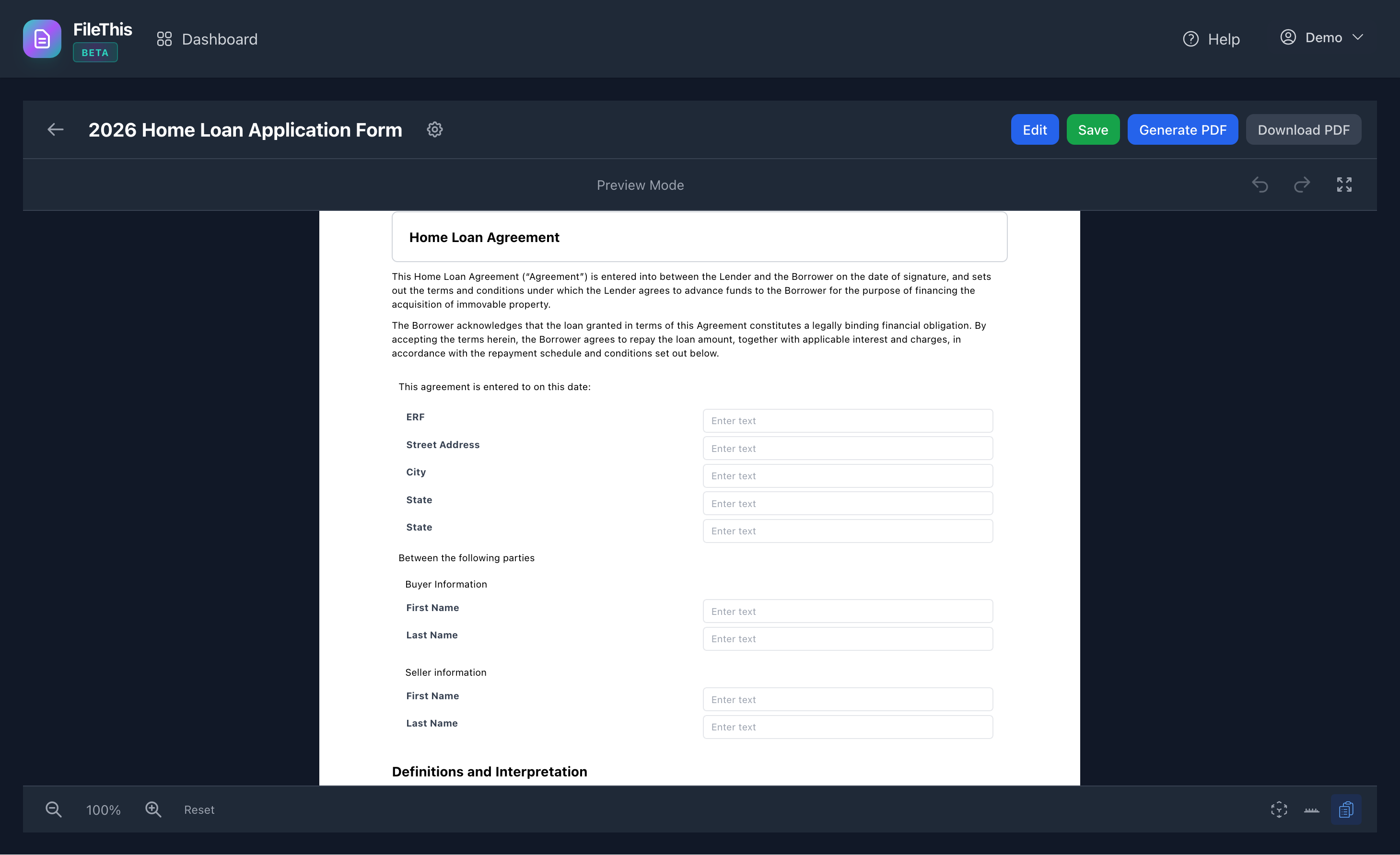
1. Design
Build your form in the visual editor with drag-and-drop: headings, paragraphs, tables, lists, form fields, signatures, and more. What you see matches your final PDF. No coding required.
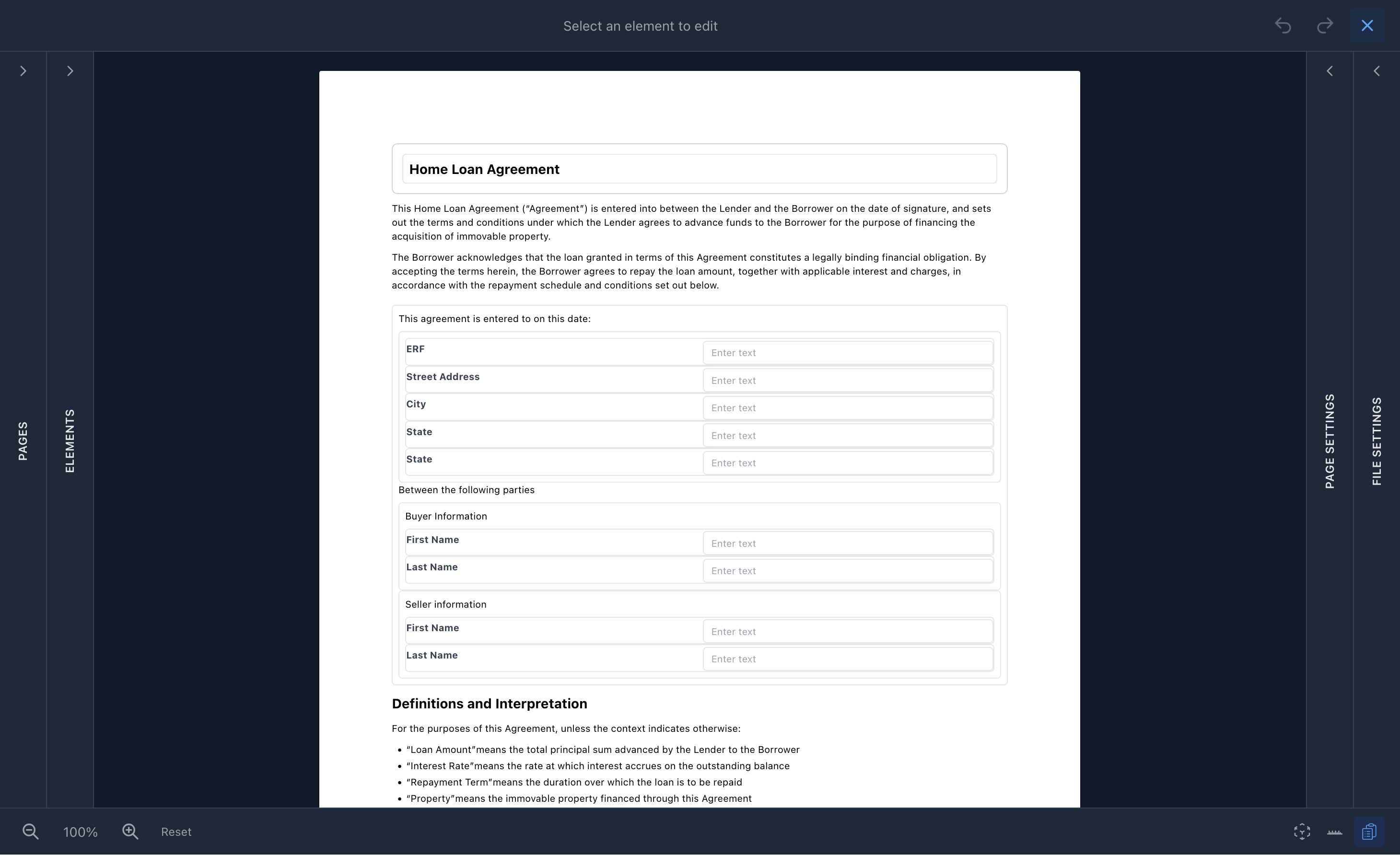
2. Publish
Create a draft, edit until you're ready, then publish. Only the current published version is served to respondents. Submissions are tied to that exact version and a snapshot—so you always have an audit trail.
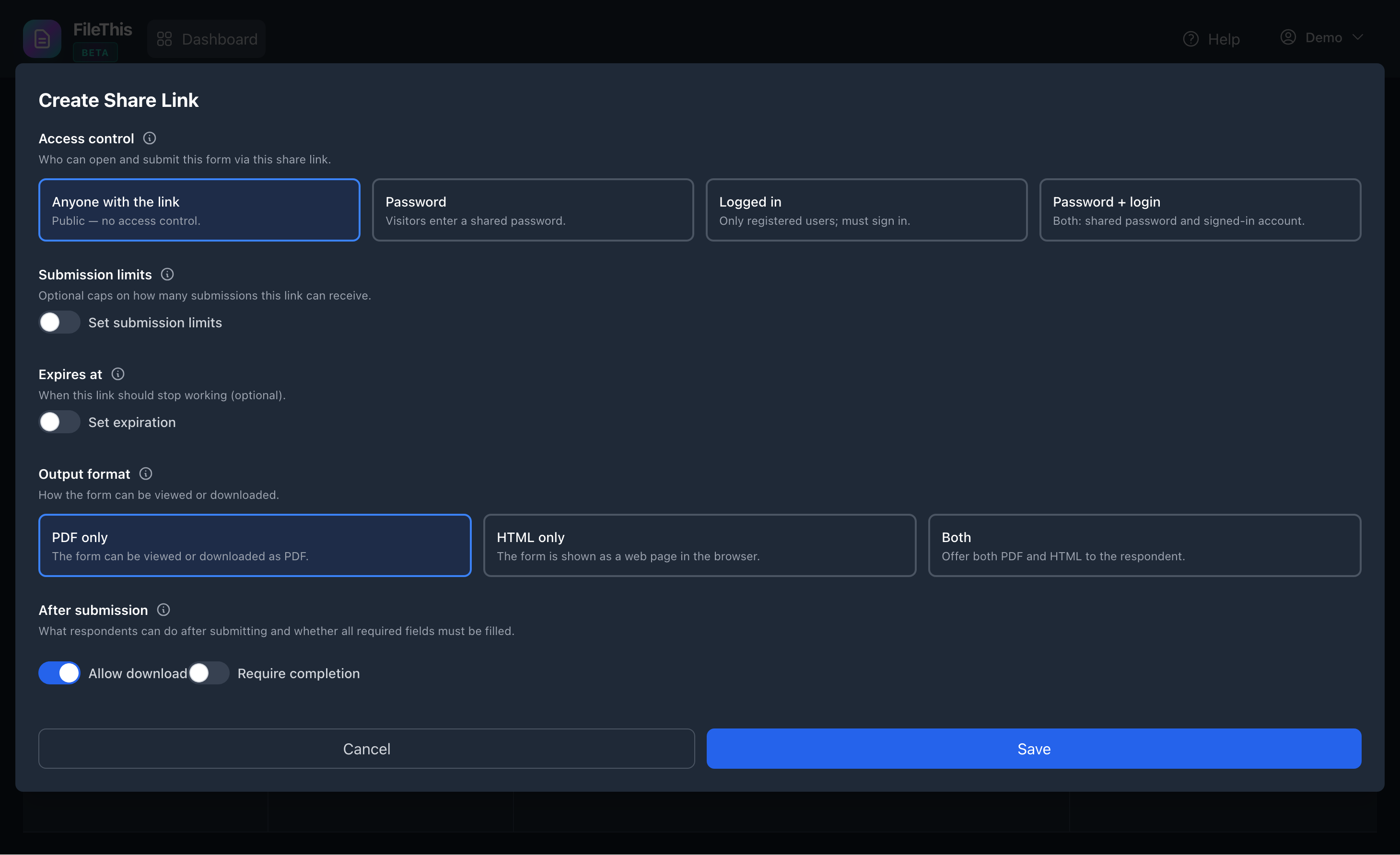
3. Share
Create share links for the same form with different settings: password, submission limits, expiry, output format (PDF or HTML). One form, many use cases—internal link, client link, or time-limited campaign.
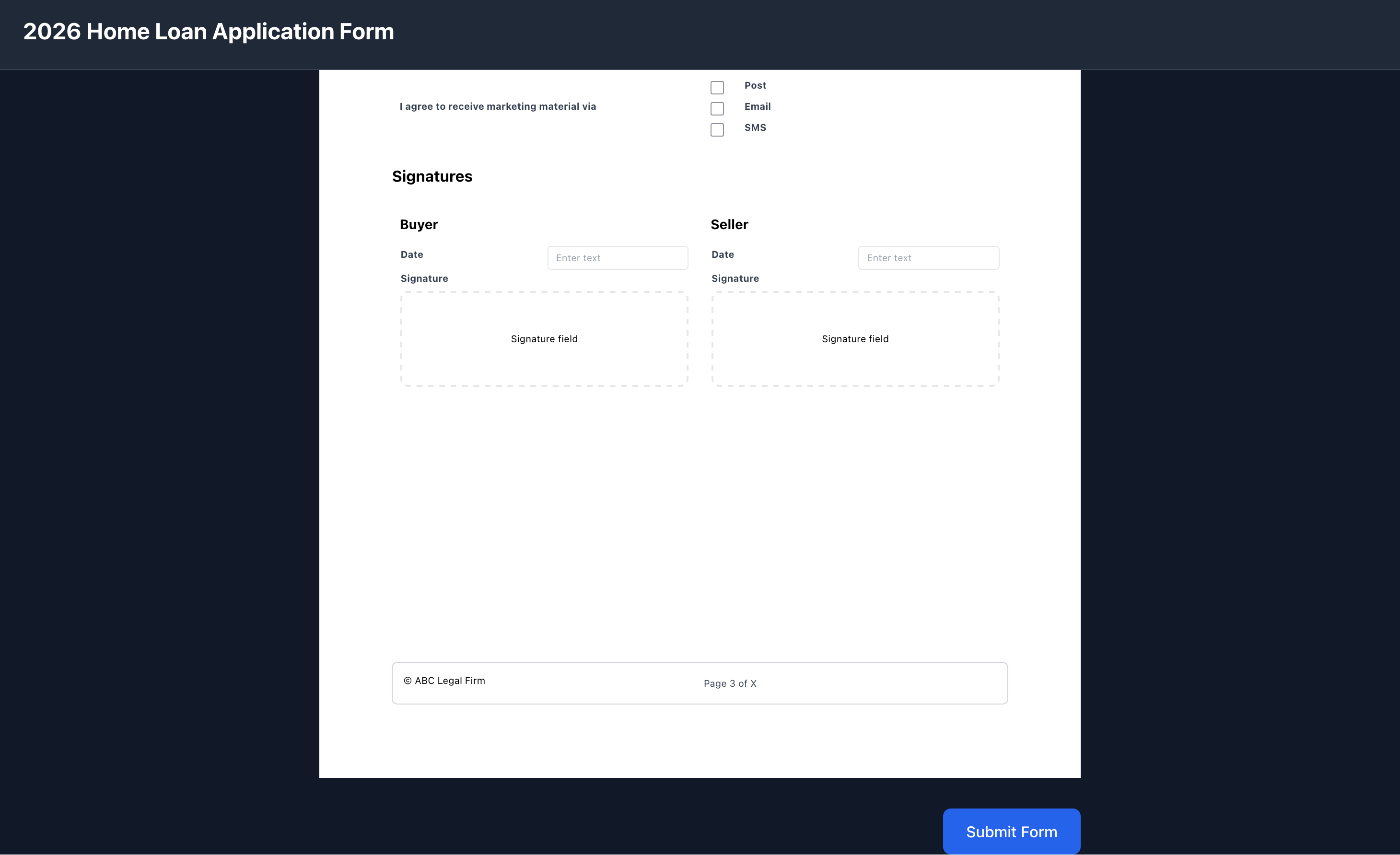
4. Collect
Respondents open the link, fill the form in the browser, and submit. Optional password and registration; optional thank-you page with download. You get every response with field values, signatures, and the form version used.
5. Output
Generate PDFs from any submission—readonly (as submitted, for audit) or fillable (current form + data, for corrections in Acrobat). Output is a fillable PDF (AcroForm) so recipients can open in Acrobat and complete or change fields. Same pagination as the builder preview.