Problems We Solve
FileThis.io addresses the hidden pains of form tools: version drift, broken previews, flat PDFs, and one-size-fits-all links. Here's how we fix what others get wrong.
1. Version drift in form tools
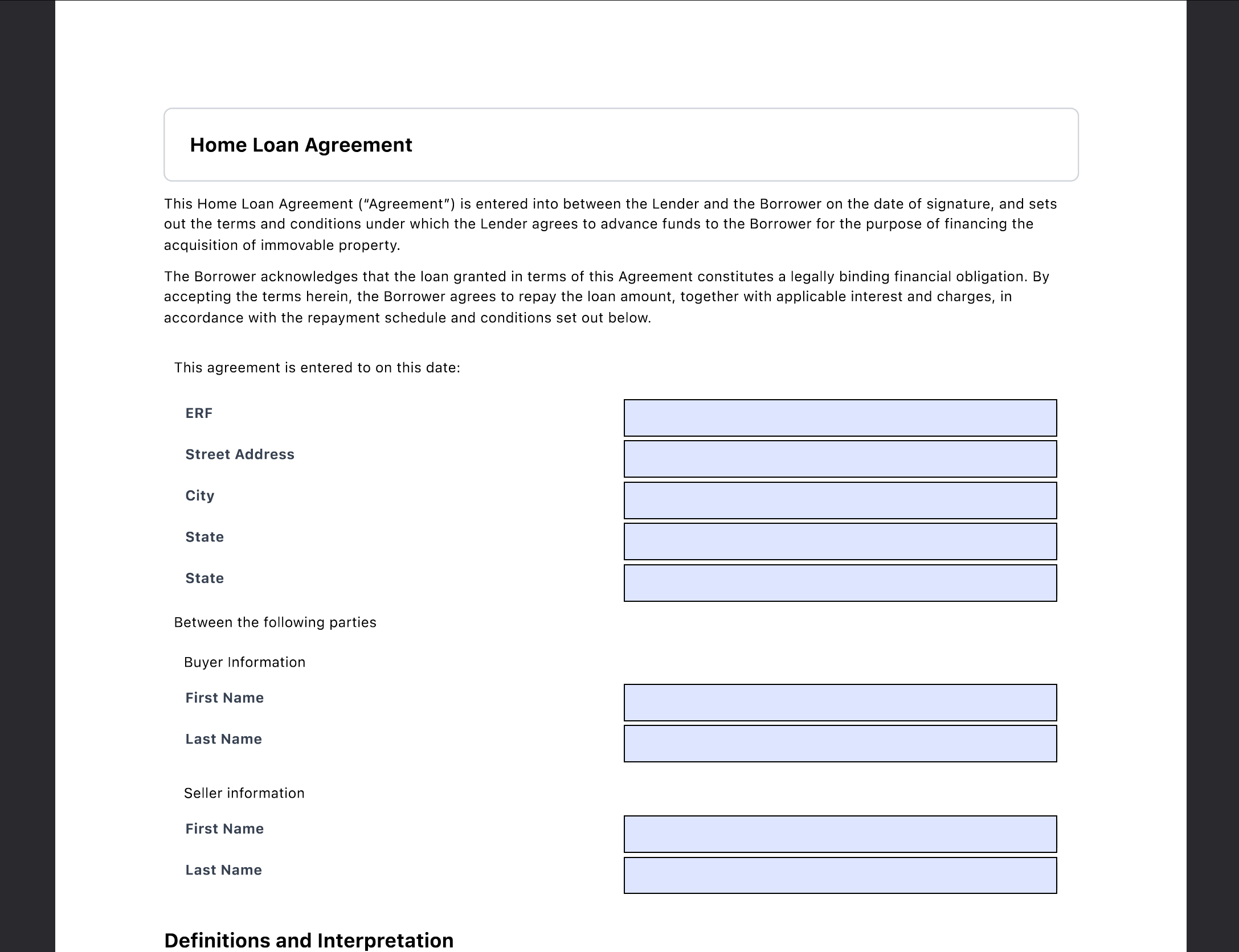
Many form products don't tie submissions to a specific form version. When you change the form, old submissions become ambiguous. FileThis.io stores the form version and a snapshot with every submission so every response is auditable and reprintable with the correct layout.
2. Preview ≠ PDF
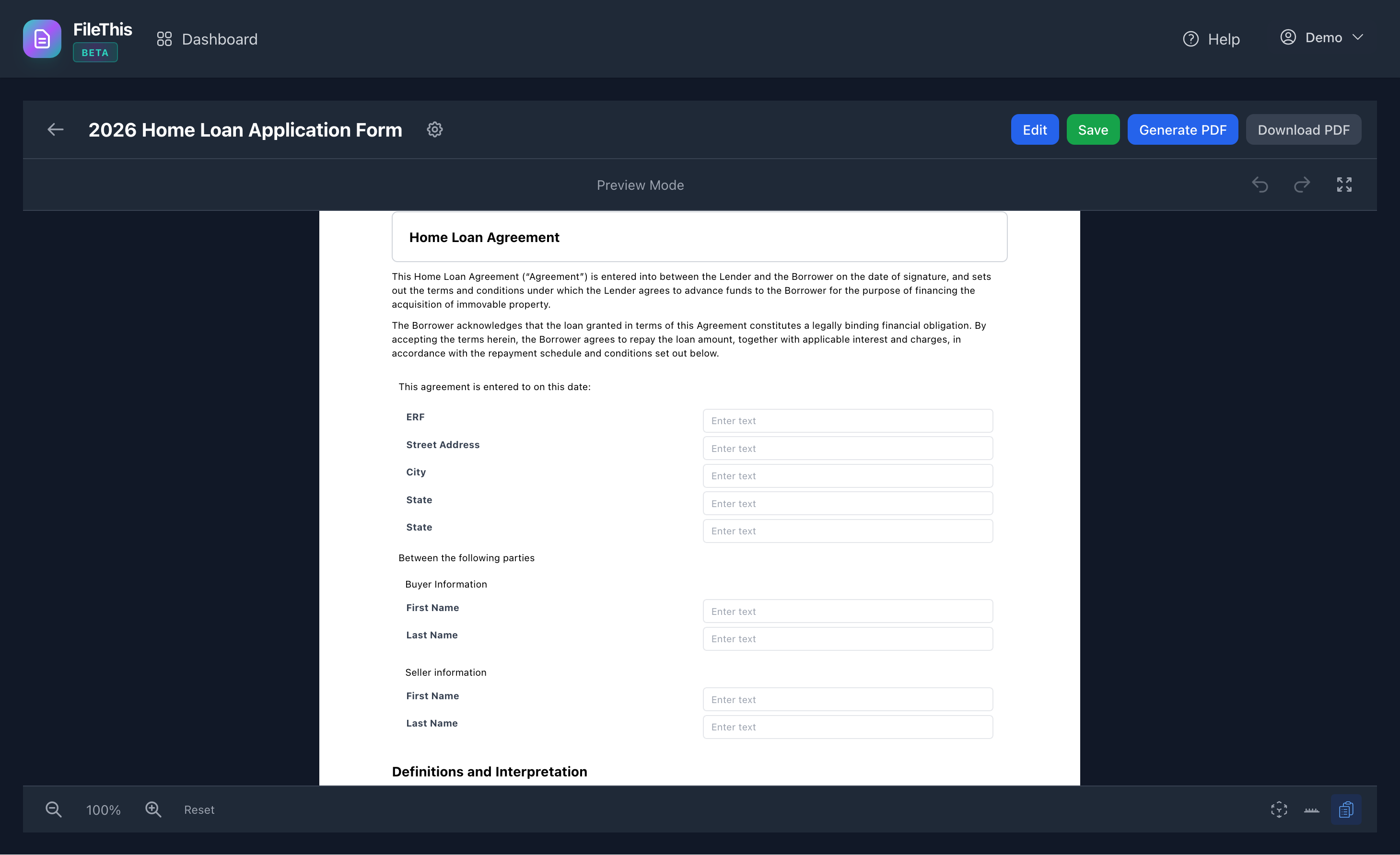
In many systems, the on-screen preview uses different pagination than the PDF, so page breaks and "page X of Y" are wrong. FileThis.io uses the same measure-then-paginate pipeline for the builder preview and the generated PDF, so WYSIWYG is real.
3. PDF as image vs PDF as form
Some tools produce a flat PDF (an image of the form). FileThis.io produces PDF forms with fillable fields (AcroForm) so recipients can open them in Adobe Acrobat and complete or change fields—critical for legal, HR, and regulated workflows.
4. One form, one link, one policy
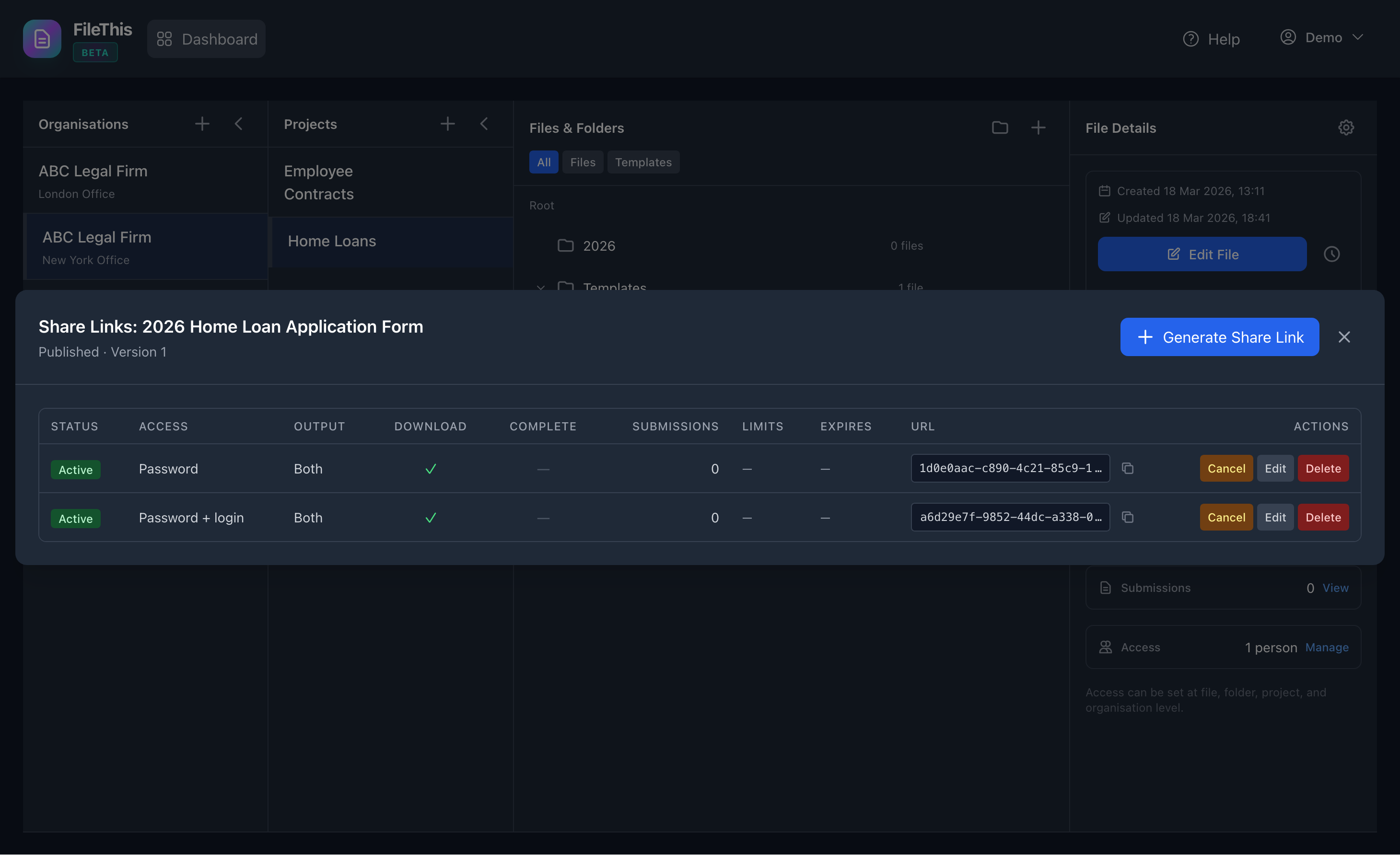
Without per-link settings, you either clone forms or expose one link with one policy. FileThis.io lets you create multiple share links per form (password, limits, expiry, output format) so one form serves many scenarios.
5. Brand at scale
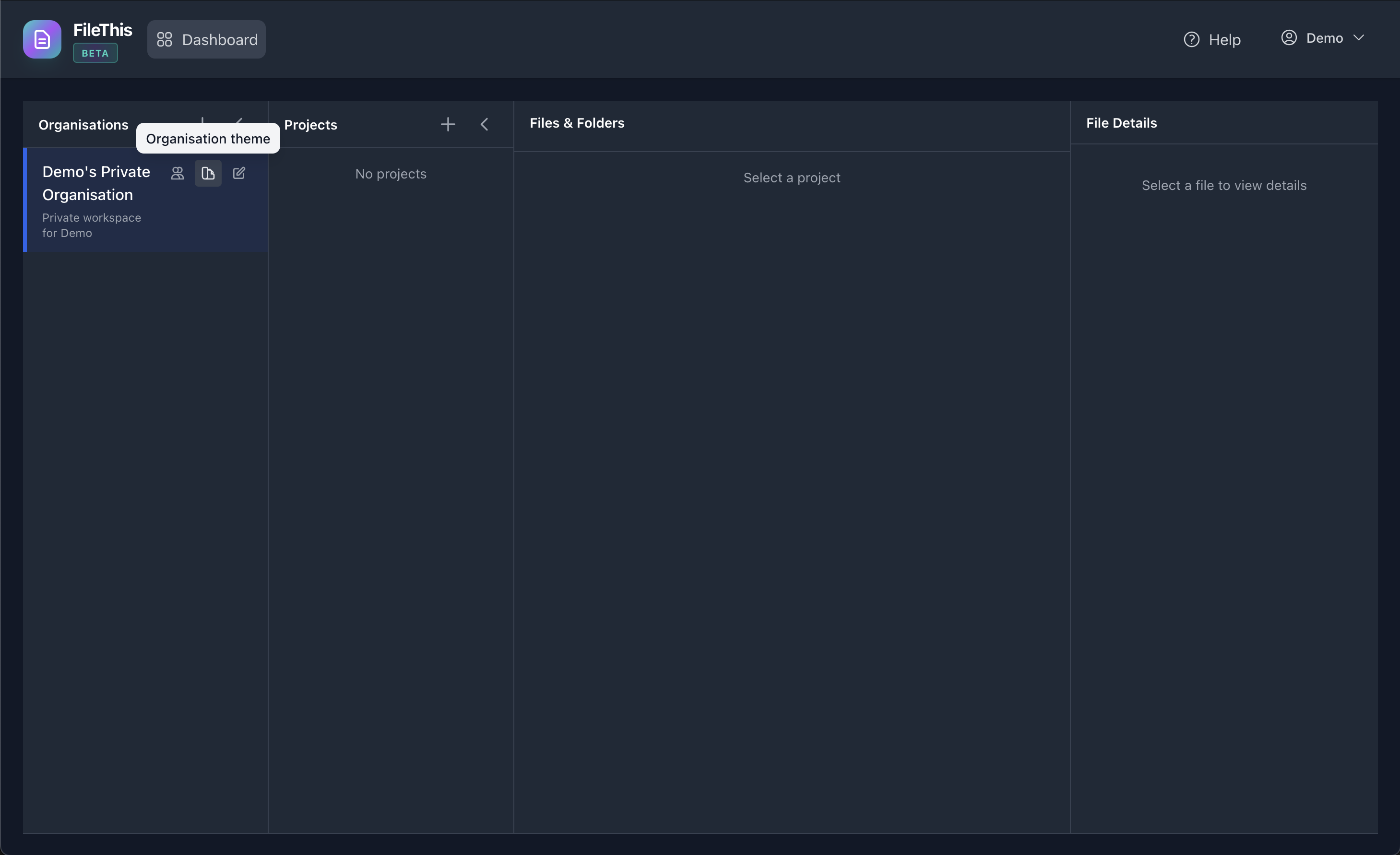
Updating colours and typography across many forms is error-prone. Organisation themes give you a single place to set palette and optional presets so all forms that use the organisation stay on brand.
6. Submission triage and export
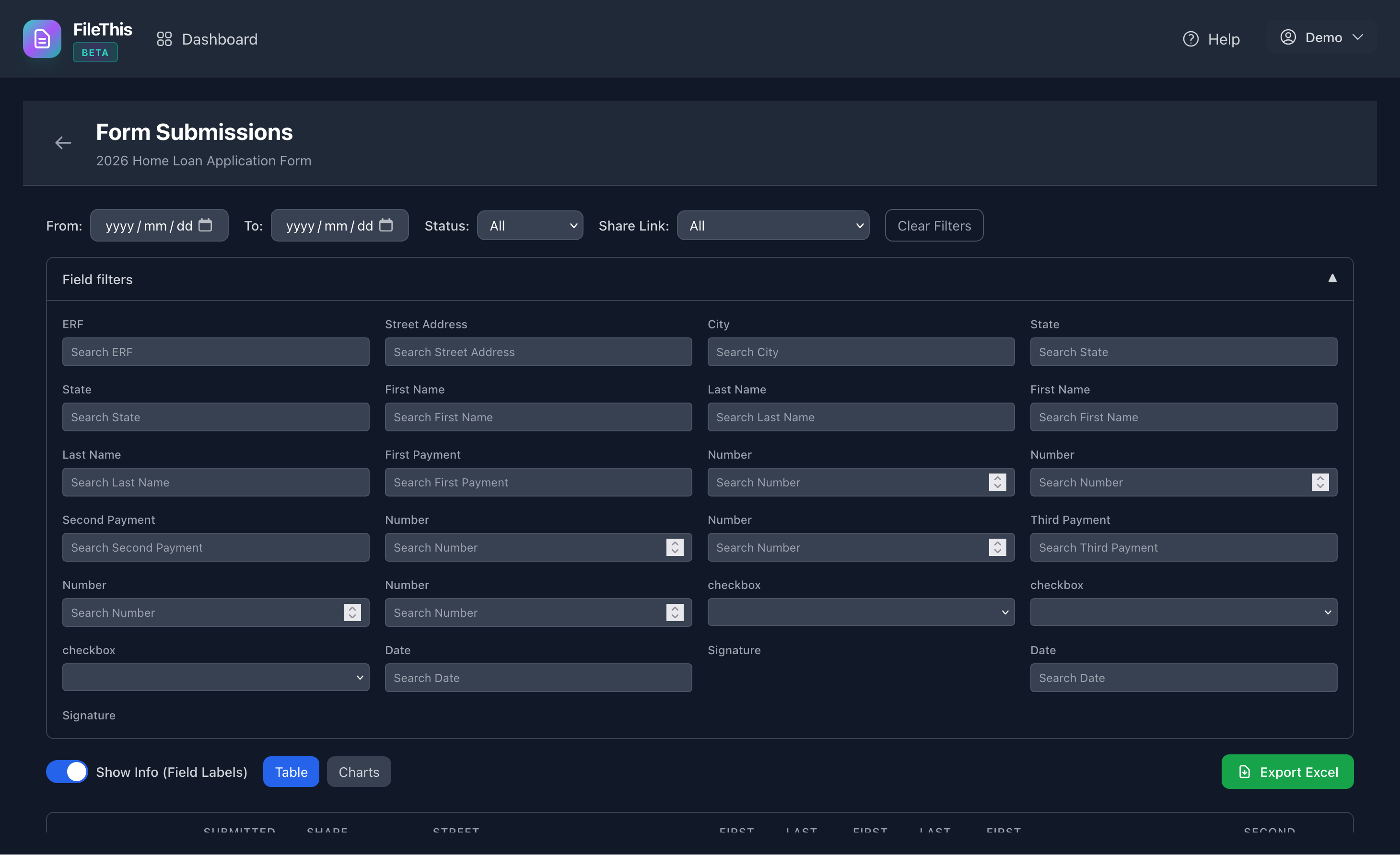
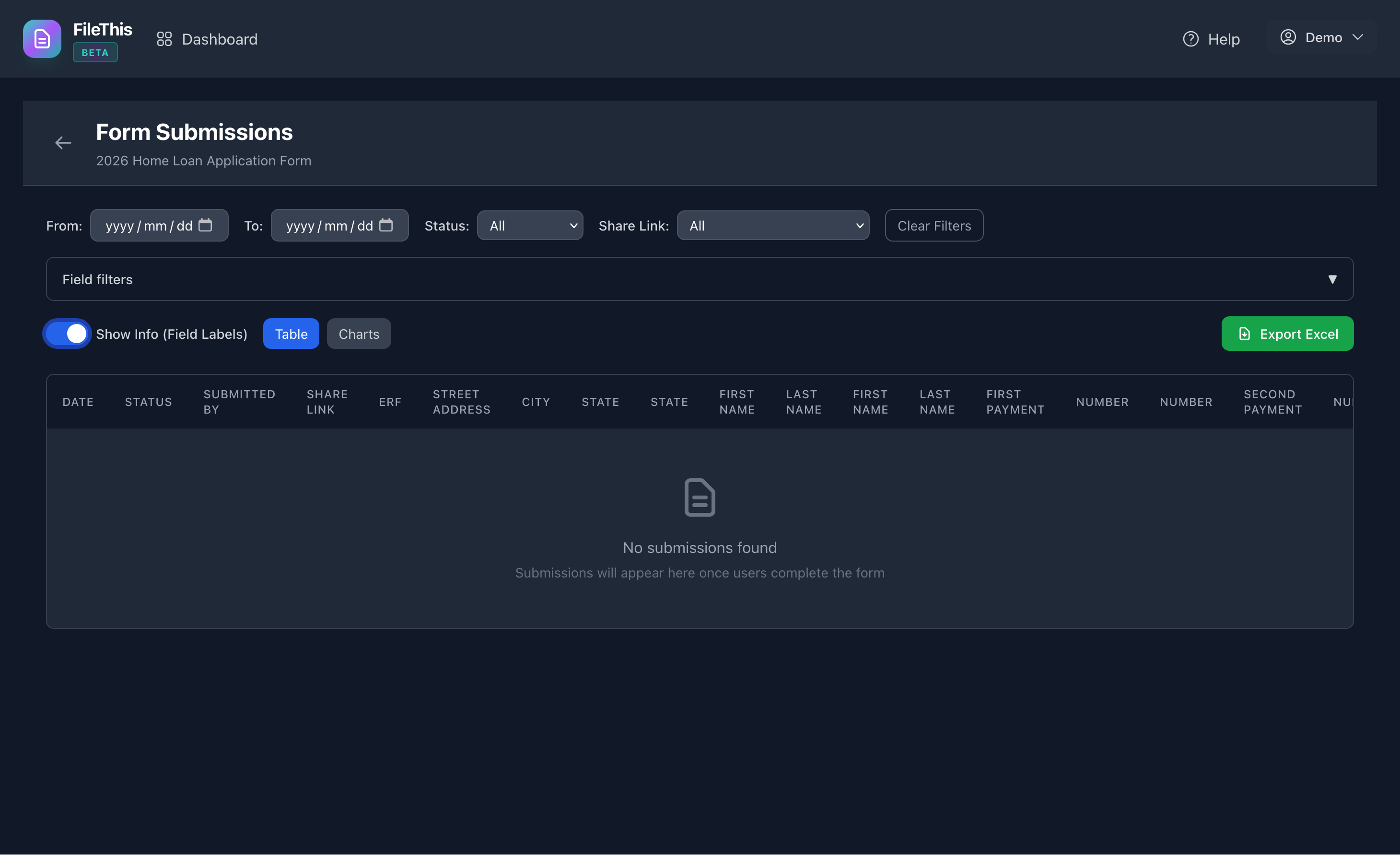
If you can't filter by form fields or export with clear column names, admins waste time. FileThis.io offers field-level filters and label-aware Excel export so submissions are actionable.