PDF Forms for Small Teams
No complexity, no lock-in. Design, share, and collect in three steps. Get real PDFs that work in Acrobat—and keep your brand consistent across every form.

Skip the hassle
Copy-paste into Word, print, scan—or use a form tool that gives you a flat image. You want something that looks right and delivers a proper PDF. FileThis.io does both: design in the browser, get PDF forms with fillable fields your recipients can open in Acrobat.
Three steps: design, share, collect
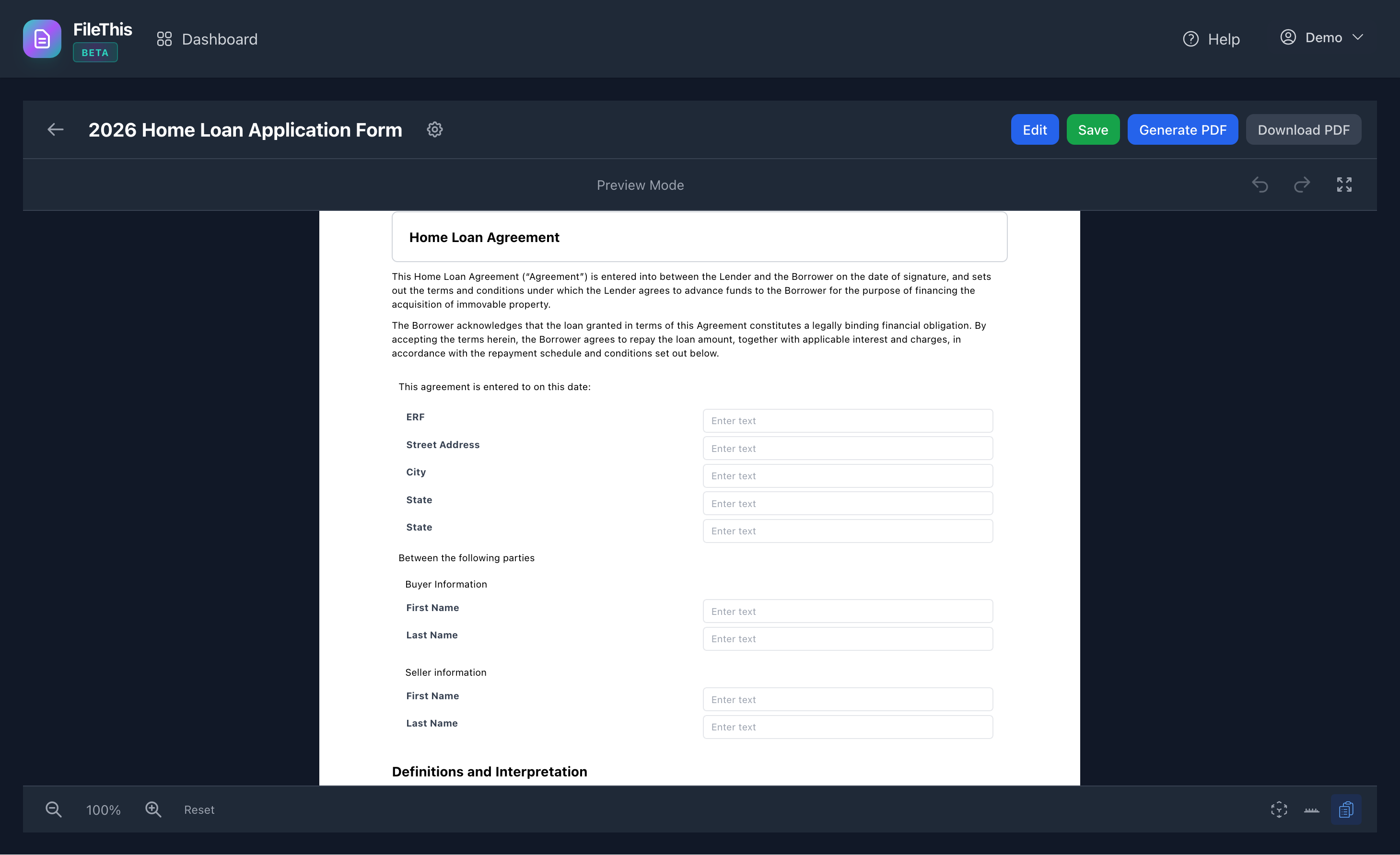
Design your form with drag-and-drop. Share a link—with optional password and limits. Collect responses in one place; download as PDF or Excel. No coding, no separate design tool.
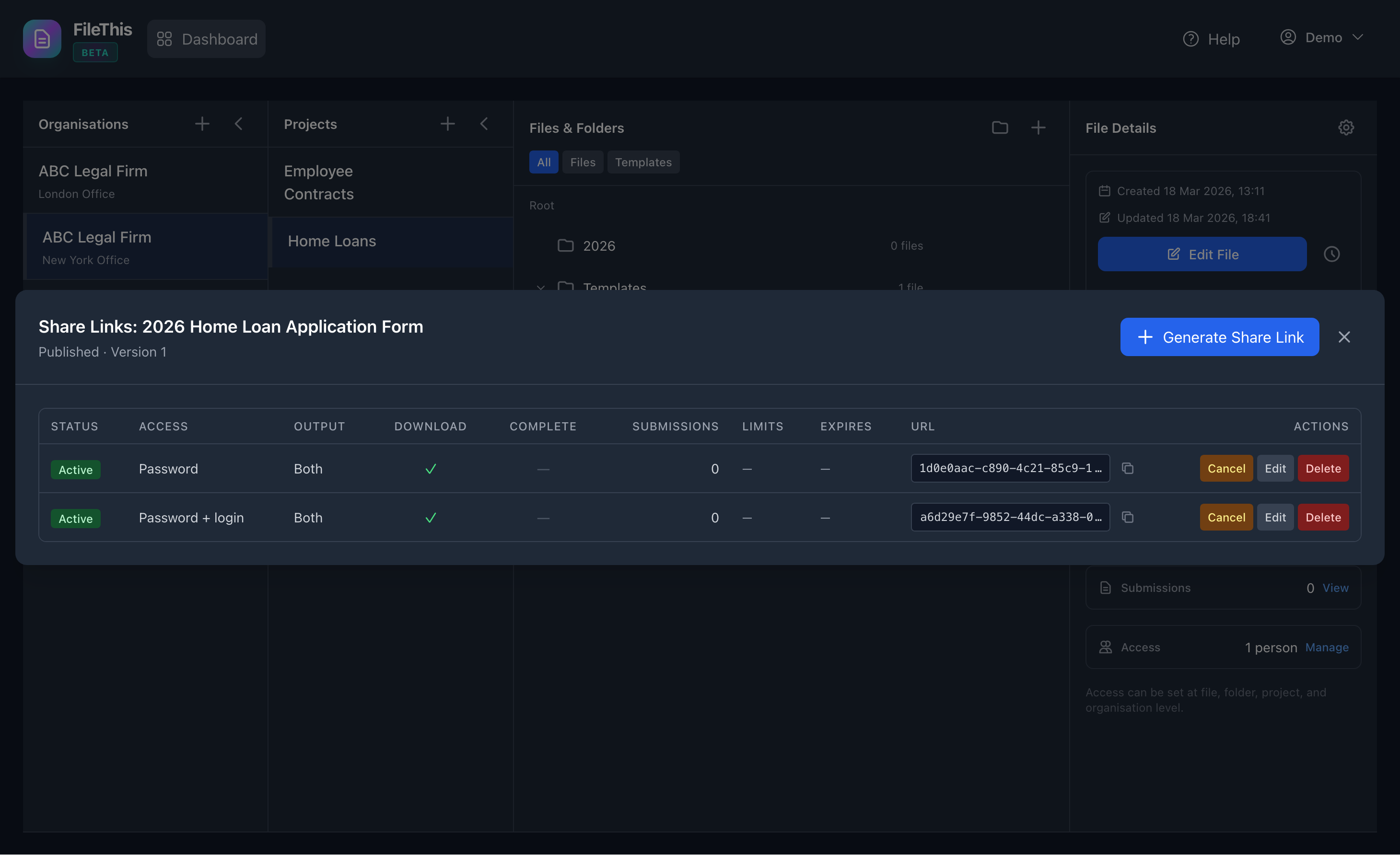
One form, many links
Same form: one link for clients (password), one for internal (no password), one for an event (limit 100, expires Friday). No cloning; just create another share link with different settings.
PDFs that work — and brand once
Get a PDF you can open in Acrobat and edit, not just a picture. Set your colours and styles at the organisation level; new forms can inherit so everything stays on brand without touching every form.

Who can do what
Invite editors (edit forms, manage links), viewers (view only), admins (full control). No more everyone-has-the-same-access. Roles apply to organisations, projects, and files.