Share and Collect
One form, many share links. Control access with password, limits, and expiry. Respondents get a clear experience—and you get every response with the form version they saw.
Share link management
Create multiple share links per form. Each link can have its own password, submission limits (per person and total), expiry date, output format (PDF or HTML), page size, and optional PDF encryption overrides (storage protection and PDF open passwords). One form serves internal use, client use, and time-limited campaigns without cloning.
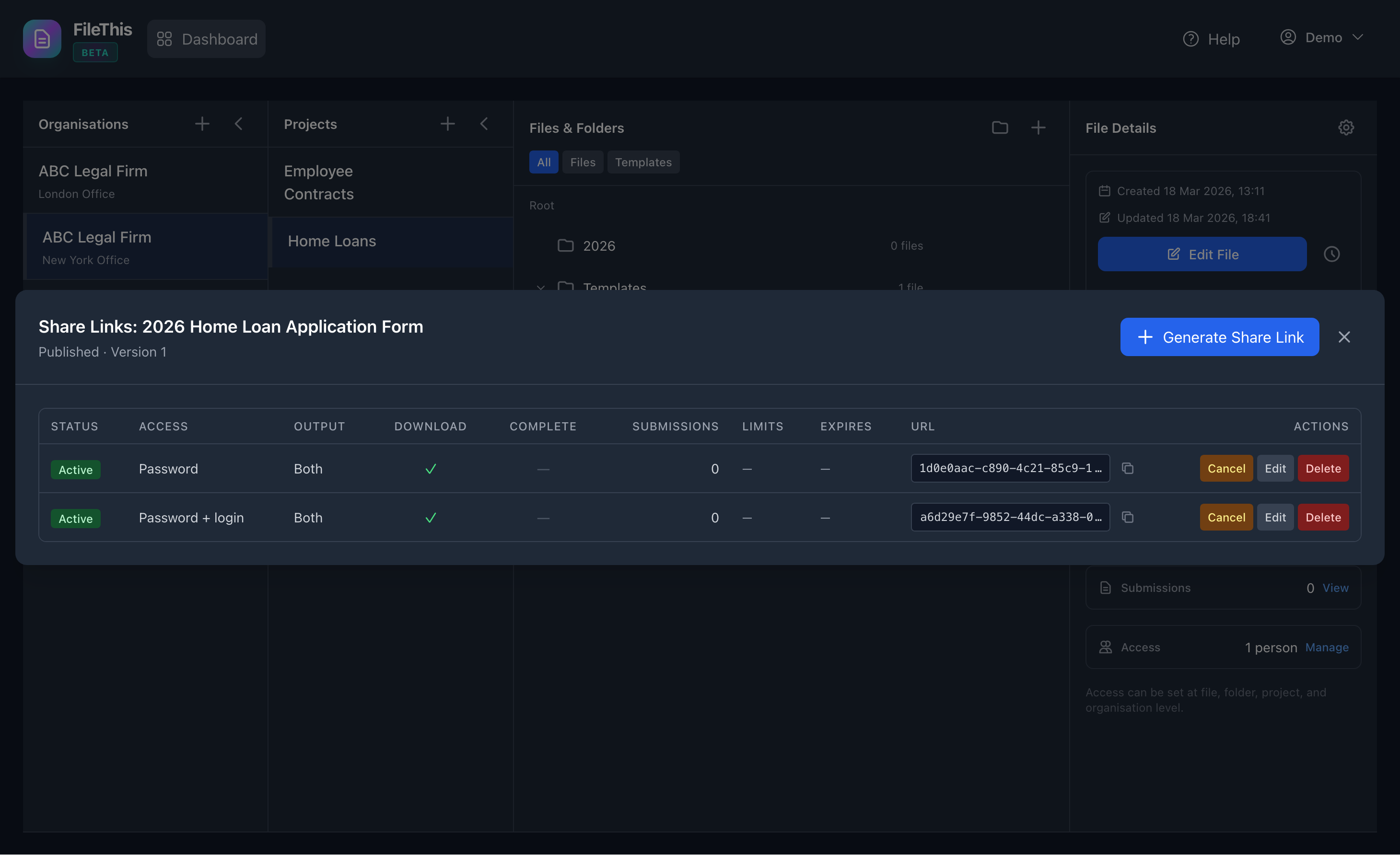
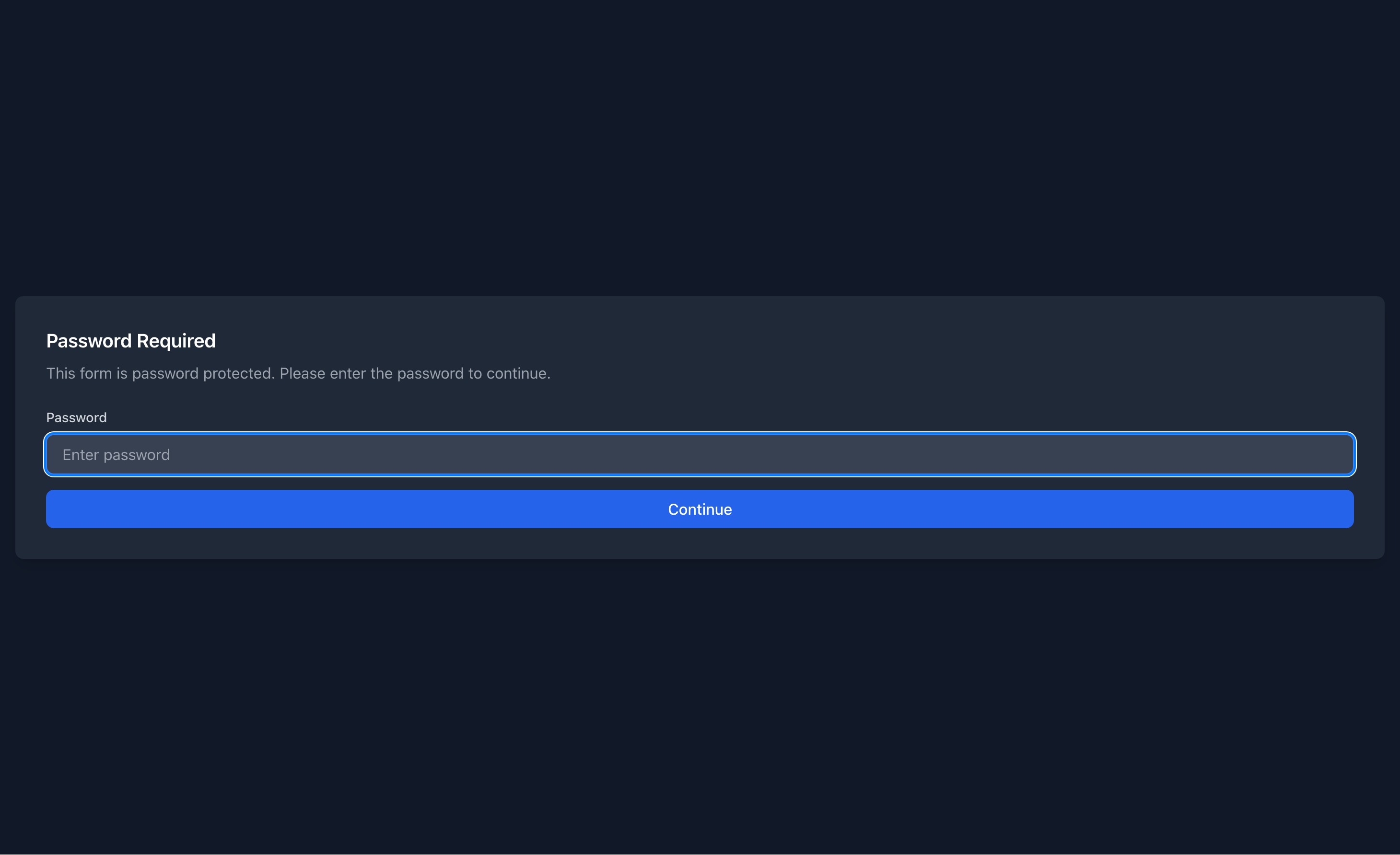
Password and registration
Optional password protection: respondents enter the password to view and submit. Optional registration requirement: only logged-in users can access the form. After login or register, they return to the same form URL to complete and submit.
Thank-you page and optional download
After submit, respondents see a thank-you message. When the share link allows download, they can get a copy of their submission. A clear “Back to home” keeps the experience simple.
Friendly unavailable states
When a link has expired, been revoked, or the form has no published version, respondents see a clear message—not a generic error. They’re told what happened and can go back home or contact the person who shared the link.
Version fidelity
Share links always serve the current published version of the form. Every submission stores which form version was used and a snapshot, so you have an audit trail and can reprint or export with the correct layout.