Submission Management
Every response in one place: filter by form fields, show the columns you need, export to Excel, and generate PDFs from submissions—with each row tied to the form version the respondent saw.
Submissions overview
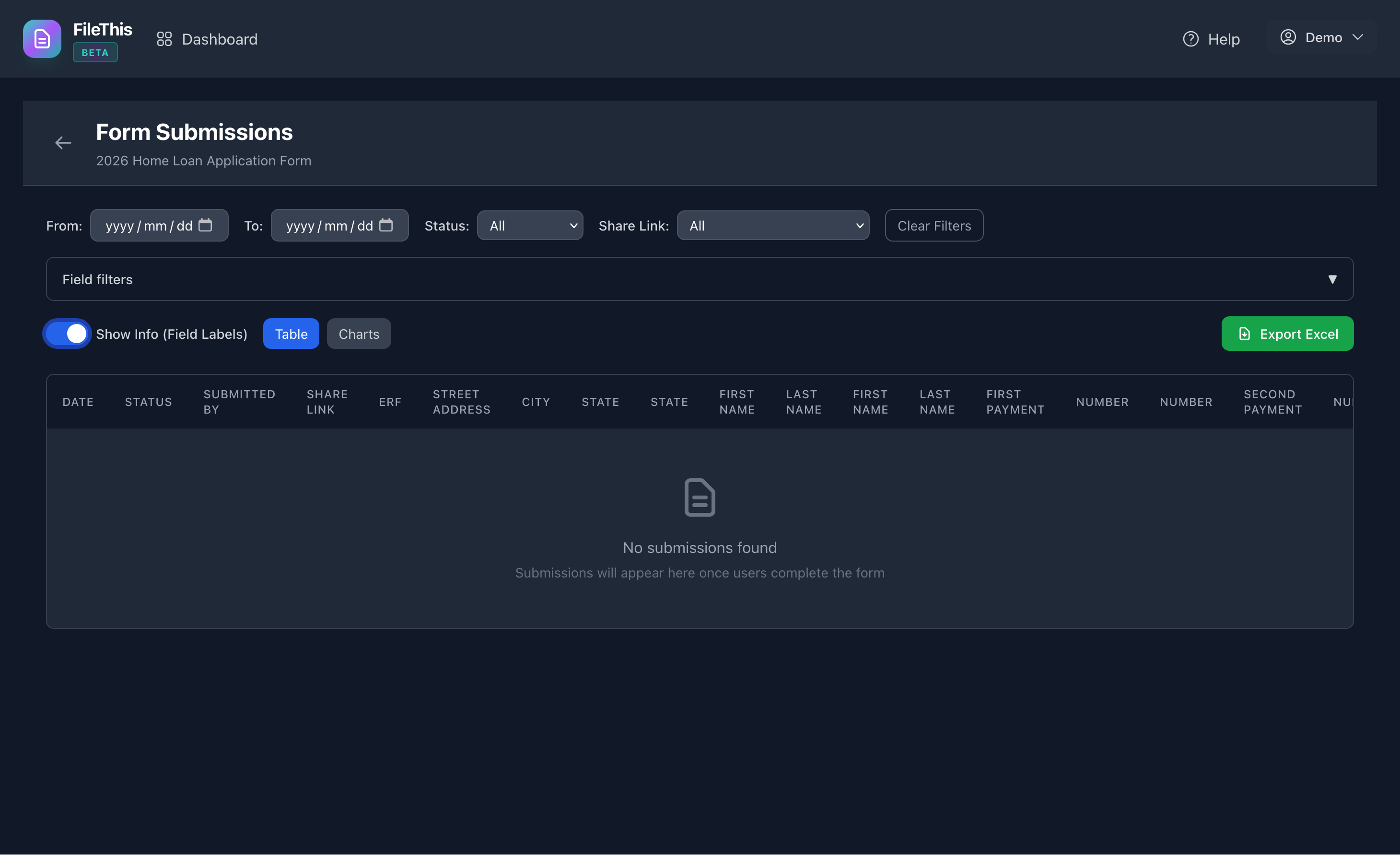
Open submissions from the dashboard for any published form. See who submitted, when, and which share link they used. Toggle field labels as table columns so the data you care about is visible at a glance.
Filter and triage
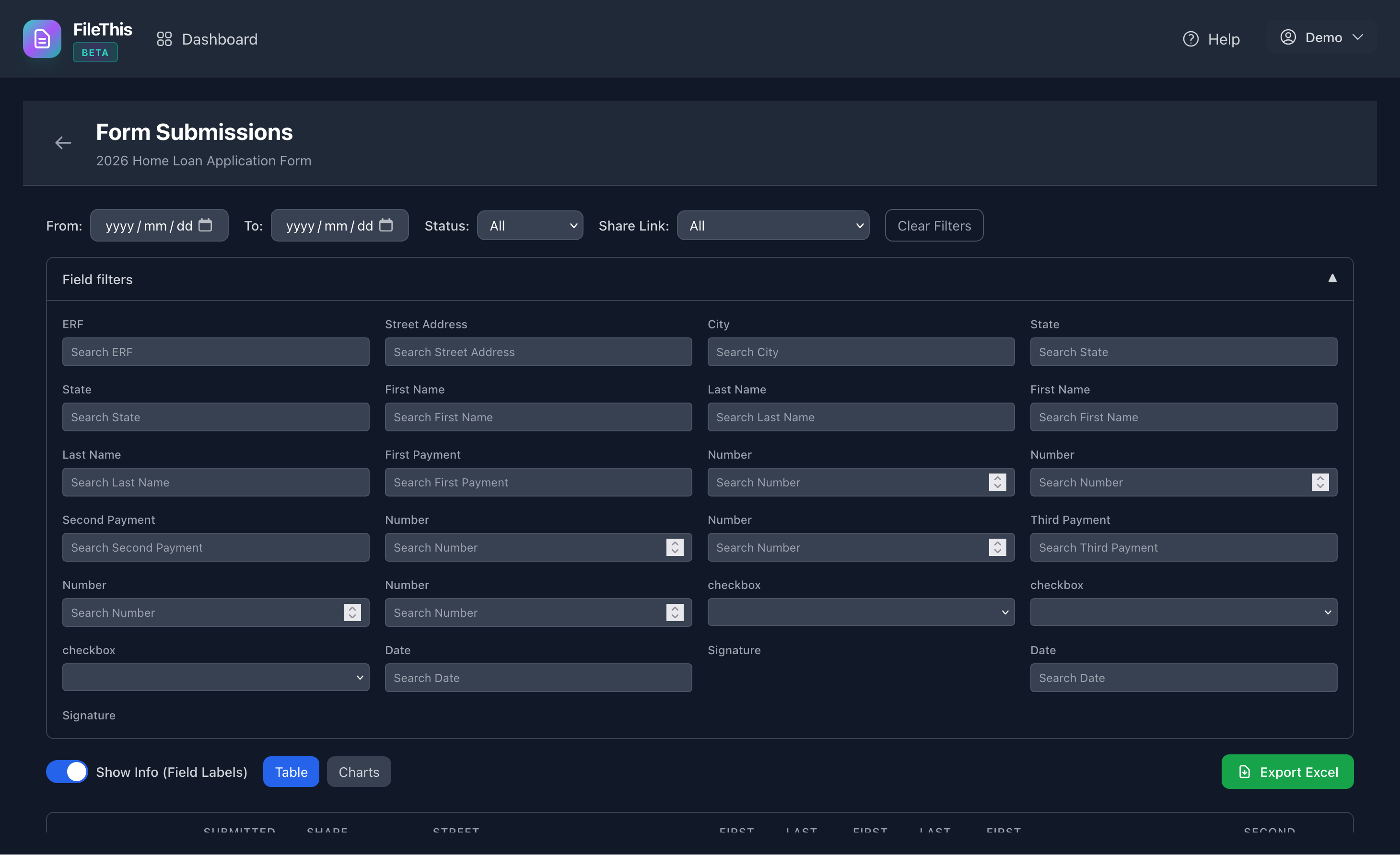
Narrow the list by date, status, share link, and by answers in your form fields. Find the right submission fast before you open, edit, or export.
Version fidelity
Each submission stores the published form version that was live when the user submitted, plus a snapshot—so audits and reprints match what they actually saw.
Edit, export, PDF
Open a submission to review or correct data. Export to Excel with readable column headers. Generate fillable PDF forms from submission data when you need a filing-ready copy.